
3 Steps to getting SHIT done

For most of us, our busy working day can feel like a never-ending to-do-list. But it doesn’t have to be that way!
By following these three simple steps – capture, organize, and do – you can get full control of your to-do list and start getting things done more effectively and efficiently!
Step 1: Capture everything that’s on your mind

Capturing the many thoughts running through your mind entails getting it all out of your head and jotting it down into a system. This will help you to see everything that you need to do more clearly as well as free up your mental space for other things.
Nothing is as frustrating or anxiety inducing as remembering a long list of things you need to get done! Whether it’s a grocery list, a to-do list for work, or just a list of errands, it can be tough to keep track of everything in your head. That’s why getting it all out of your head and into a system is extremely important!
Writing things down (or typing them into a notes app) will help you free up space in your brain so you can focus on other things. Plus, you’ll have a written record of what you need to do, which can be very helpful when trying to remember what you need to accomplish.
So, next time you’re overwhelmed by everything you need to do, take a few minutes to get it all out of your head and into a system! You’ll be glad you did!
Here are some apps that will help you capture everything and get it done on time:
1- Apple Notes
Apple Notes is a great app for capturing everything from ideas to full-fledged projects! You can create different notebooks for different areas of your life, and then add notes to each notebook. You can also create to-do-lists and reminders, so you’ll never forget an important task.
2- Evernote
Evernote is another excellent app for capturing everything from your thoughts to your work documents. Evernote lets you create different notebooks for different areas of your life, and then add notes and files to each notebook. You can also share notebooks with other people, so you can collaborate on projects.
3- Todoist
If you’re looking for something to help you organize your day-to-day tasks Todoist is the perfect app for you. Not only is it a great app for capturing your daily tasks but it can also help you plan out long-term projects. With Todoist, you can create different projects and add tasks to each. You can also set due dates and push notifications, so you’ll always be on top of your to-do list.


4- Reminders
The name of this app says it all, Reminders will nag you on every little thing you need to remember till you get it done! This app is great for capturing anything that you need to remember. With Reminders, you can create different lists for different areas of your life, and then add reminders to each list. You can also set due dates and locations, so you’ll never forget an important task again.
5- Instapaper
If you are looking for a library app to help you store articles, websites, and other pieces of online content that you want to read later, Instapaper is perfect for capturing them for your later use.
With Instapaper Pocket, you can save articles and websites with just a few clicks, and then access them later from any device.
No matter what kind of project you’re working on, these apps will help you capture everything and get it done on time. So go ahead and download them now!
Step 2: Organize everything you’ve captured
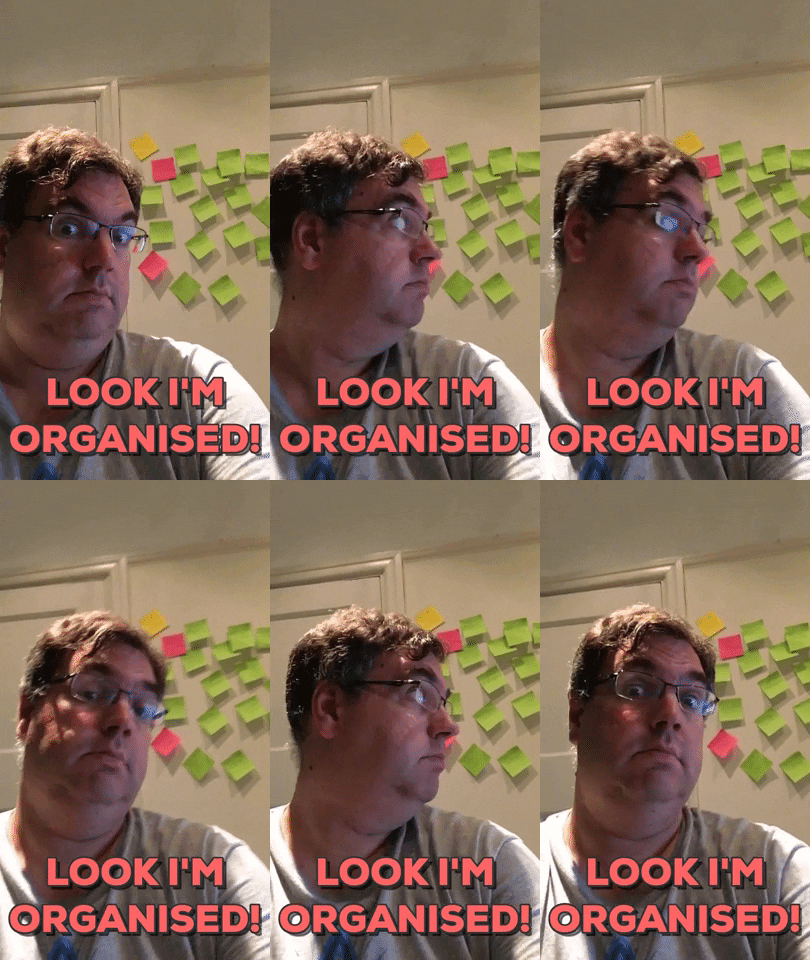
This step will vary depending on what type of person you are. Some people prefer to organize by task, while others prefer to organize by time or location. Choose the method that makes the most sense for you and will help you to get things done more efficiently.
Organizing everything that you’ve captured can seem like a daunting task, but with a little bit of planning, it can be surprisingly easy.
First, take a look at your file management system. Are all of your files properly labeled and organized? If not, take some time to tidy things up. Once that’s done, take a look at your task management system. Are there any tasks that you’ve been putting off? If so, now is the time to deal with them.
Finally, take a look at your calendar. Are there any events or deadlines that you need to prioritize? If so, make sure to add them to your calendar. By taking care of these three things, you’ll be well on your way to having a more organized life.
Step 3: GET IT DONE
The third and final step is simply to do the tasks you’ve organized! This is where the rubber meets the road, and it’s crucial that you actually sit down and do the work. But if you follow these three steps, getting things done will be a breeze!
Many people find the Pomodoro technique helpful for getting started on tasks. Basically, you set a timer for 25 minutes and work on a task until the timer goes off. Then you take a five-minute break. After four pomodoros, you take a longer break of 20-30 minutes. The key is to get started and keep going until the task is done. So make sure to set aside some time in your day to do the work!
If you want to get more things done, it’s time to start being proactive. Figure out what your goals are and make a plan of action to achieve them. Break down that goal into smaller steps that can be completed easily and have a tangible end goal in mind.
Put these tips into practice and watch as you start checking items off your never-ending to-do-list!